Status
The Status tab is the landing view after connecting, showing a live summary of the flight controller's state: armed/disarmed, sensor health, link status, and any active warnings.
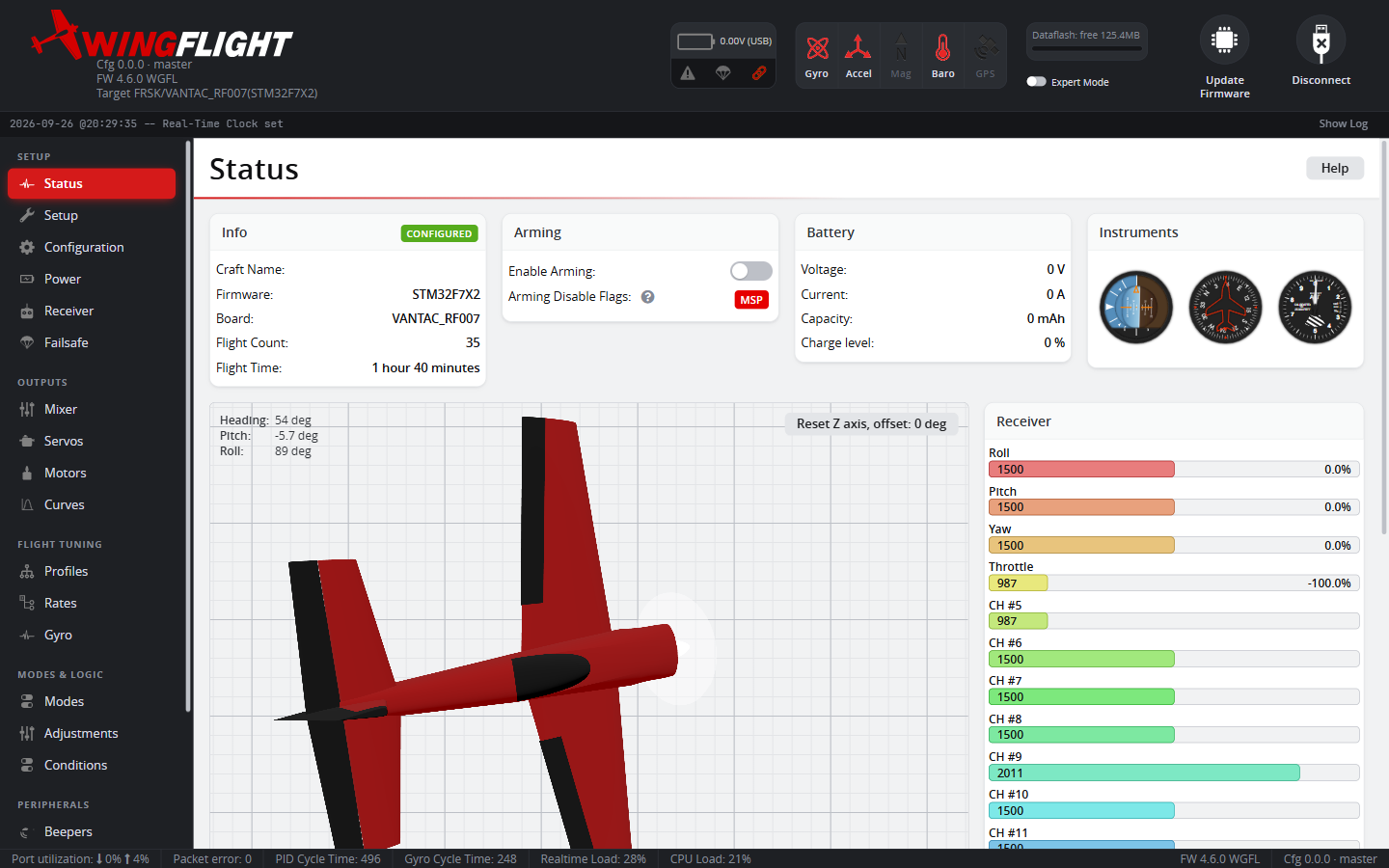
Use this tab as your first check after connecting, before diving into configuration -- it's the quickest way to spot a sensor that isn't initializing or a warning that needs attention.
Arming disable flags
When the flight controller won't arm, the Status tab lists each active arming-disable flag; hover one for a plain-language explanation of what's blocking. One worth knowing about is BACKUP_RX: a Backup RX Input receiver is configured but hasn't linked yet, so the first arm of the session is blocked until every configured backup does. Check the backup receiver's power, binding and wiring, or power-cycle it, then confirm its Link badge on the Receiver tab comes up.
The full list of flags, and what clears each one, is in Arming and Stick Commands.