Flight Tuning
Flight Tuning holds the settings you change most at the field: PIDs, rates and how the model feels. The pages are the same settings as the Configurator's, so each section below links to the Configurator page that explains them.
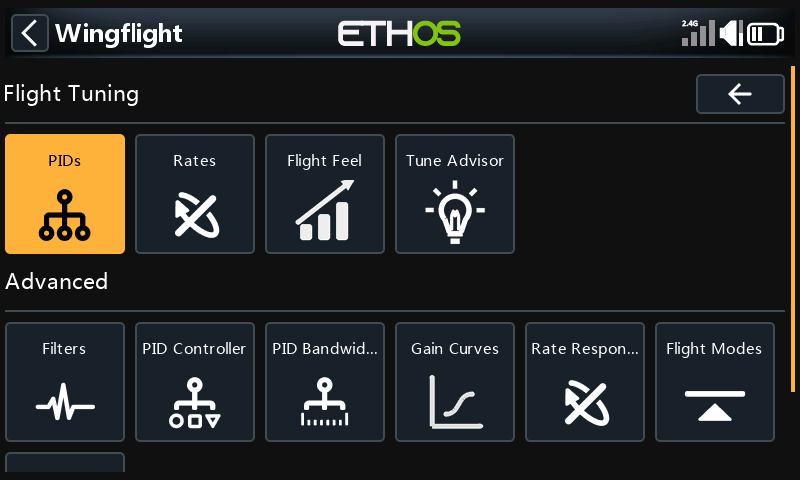
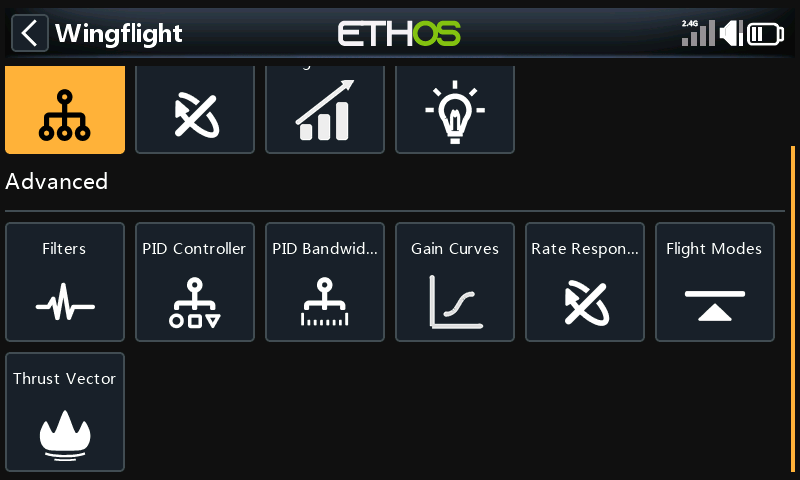
The menu scrolls: below Advanced there is a third row with Thrust Vector.
Most of these pages belong to a PID profile, shown in the title as PIDs #1 and so on. To work on another profile, switch to it (from the radio, or with Select Profile) and the page follows.
PIDs
P, I, D, F and B for roll, pitch and yaw.
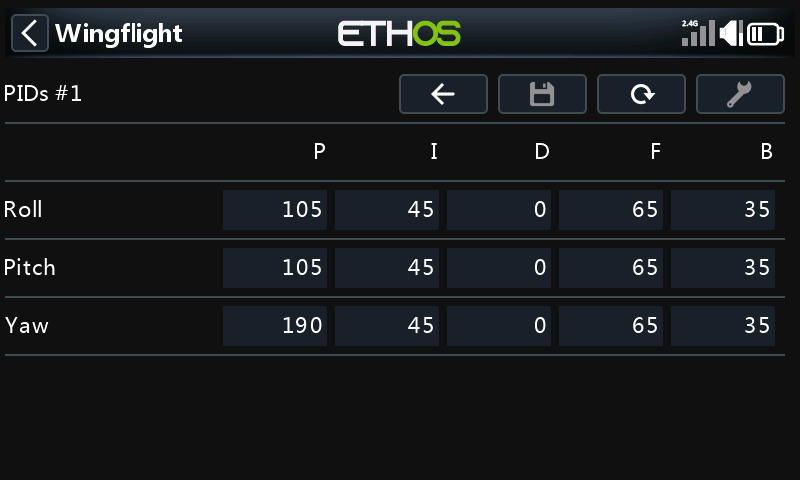
See Profiles: PID Gains.
Rates
RC Rate, Rate and RC Expo for each axis, for the active rate profile (the title shows its number).
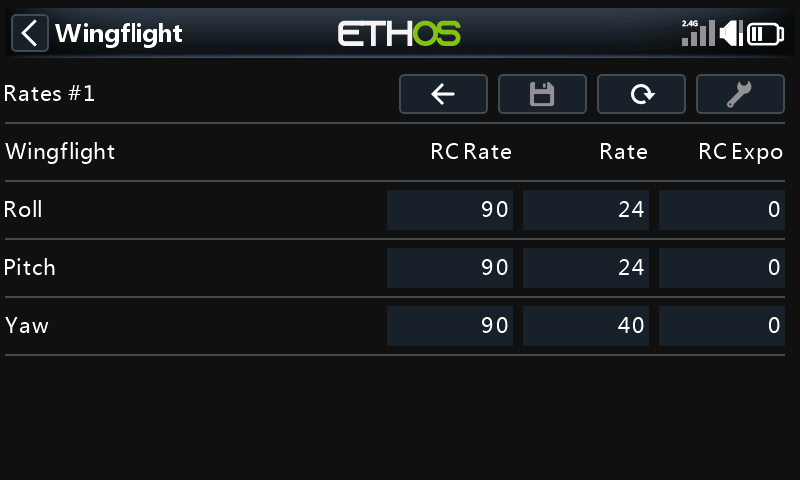
See Rates.
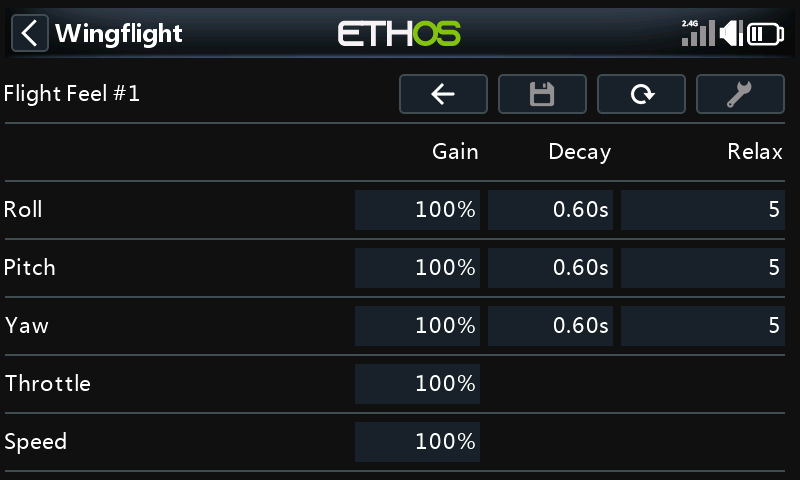
Flight Feel
Gain, Decay and Relax per axis, plus the overall Throttle and Speed gains.
Tune Advisor
Unlike the other pages, the Tune Advisor is the radio's own. While you fly in rate mode, the flight controller measures how the model answers the sticks, and each time you disarm the radio stores that flight's results. Pick an axis to see how it responds and stops, and what the advisor suggests changing and why. Save writes the suggested changes for that axis to the flight controller; Tool clears the data it has collected.
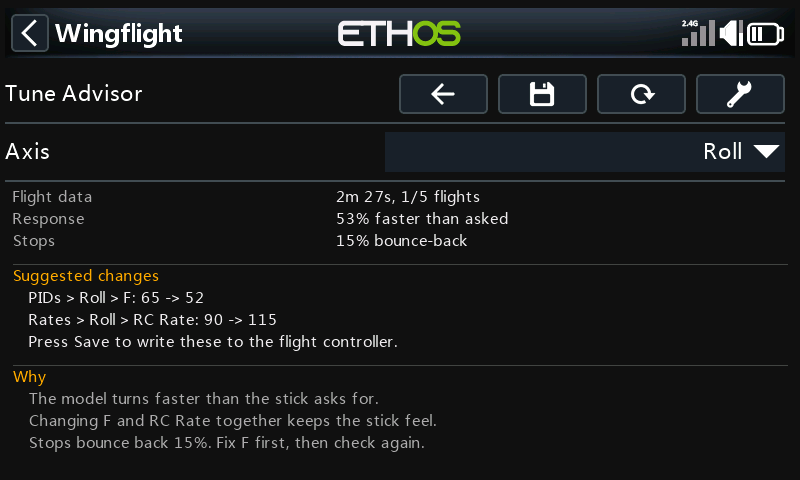
See Tune Advisor for how flights are collected and combined, what each suggestion means, what Save checks before it writes, and how in-flight adjustments affect it.
Filters
The gyro lowpass filters (type, cutoff, and dynamic range) and the notch filters. The page scrolls.
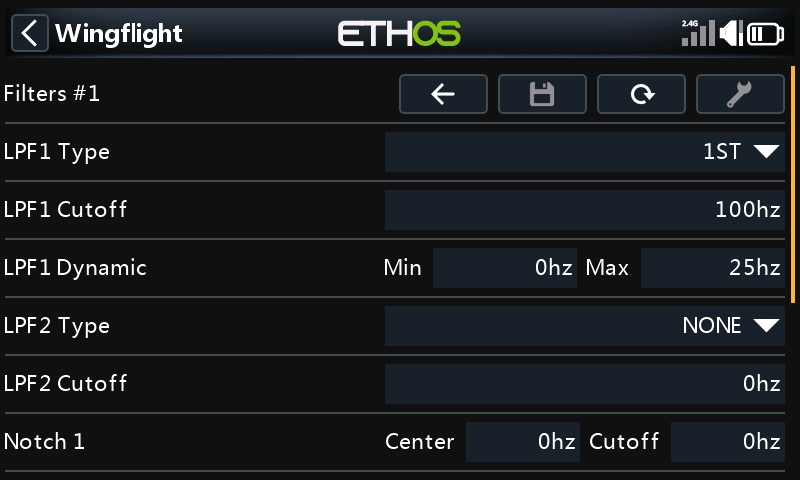
See Gyro.
PID Controller
How the PID loop handles error: in-flight error decay, error limits, I-term relax, and the Cross-Axis Relax and Snap Relax settings. The page scrolls.
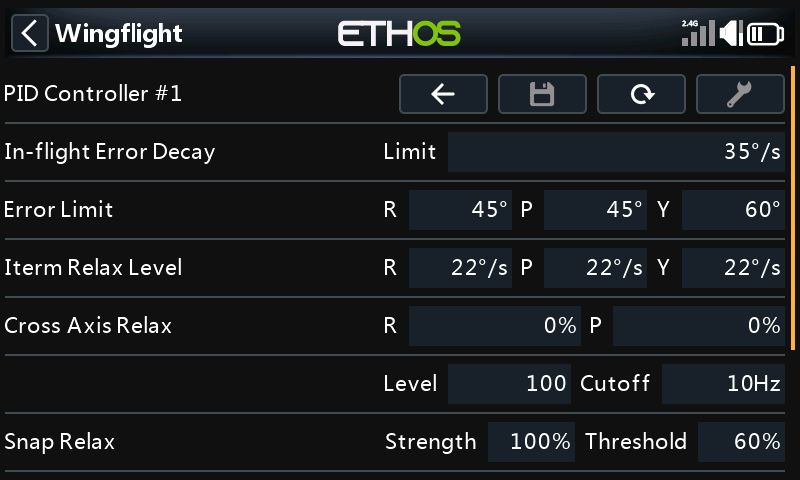
See also Profiles: I-Term Relax.
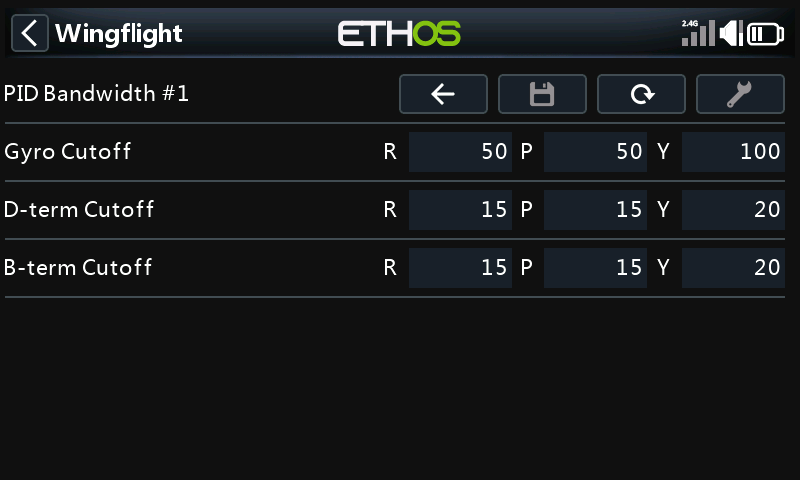
PID Bandwidth
Cutoff frequencies for the gyro, D-term and B-term, per axis.
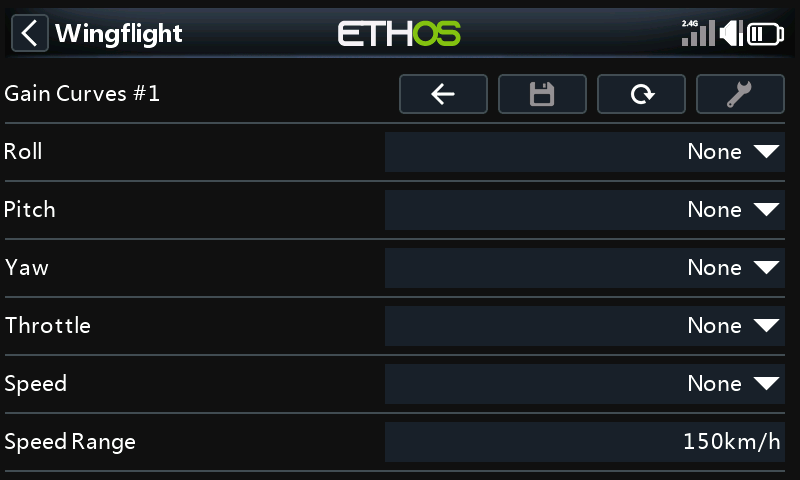
Gain Curves
A gain curve for roll, pitch, yaw, throttle and speed, and the speed range the speed curve covers.
Rate Response
How quickly the model follows the sticks: response time, acceleration limit, setpoint boost and its cutoff for each axis, and the dynamic ceiling gain.
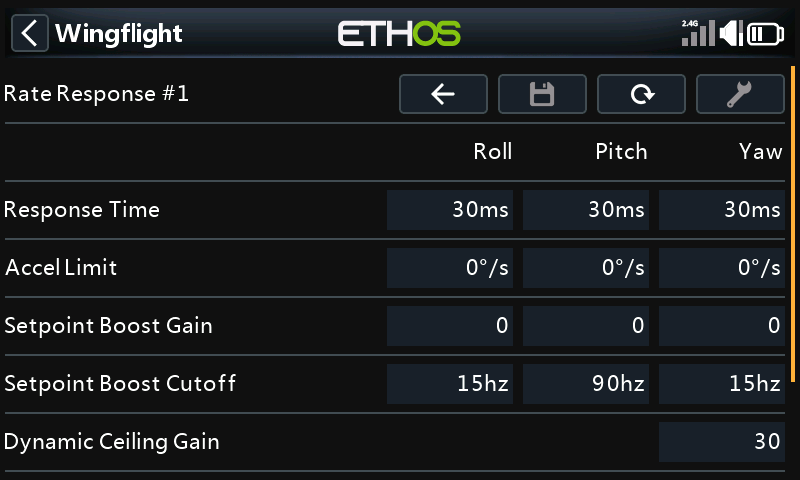
See Rates: Dynamics.
Flight Modes
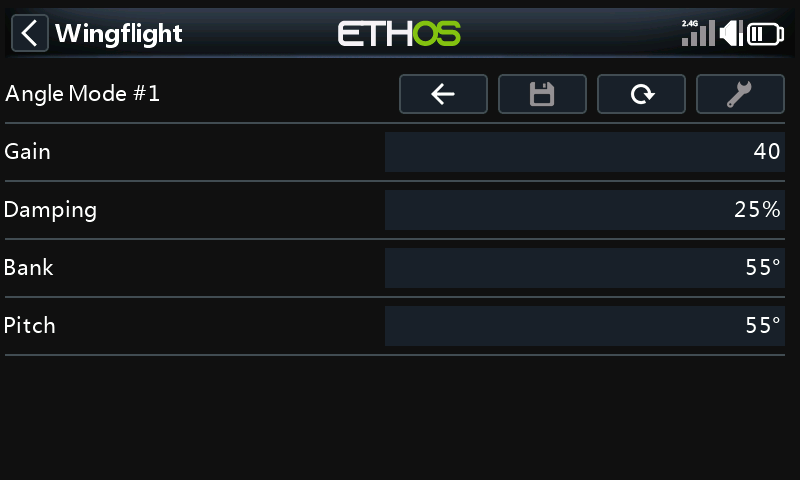
The self-levelling modes, one page each.
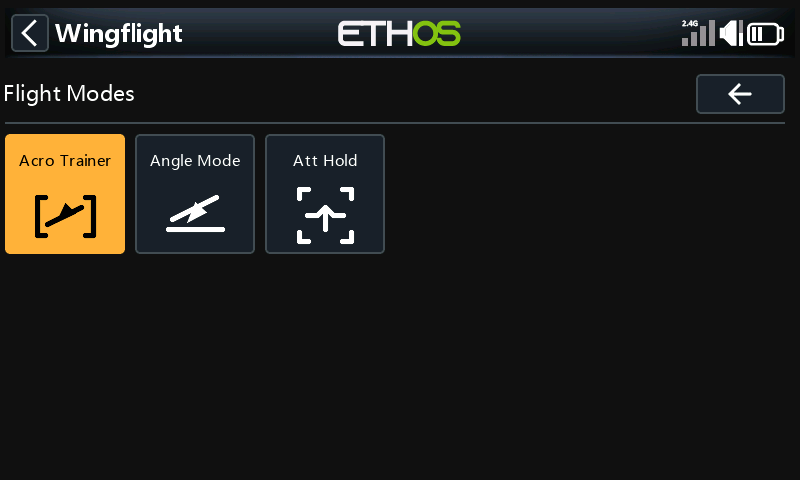
| Page | Settings | More |
|---|---|---|
| Acro Trainer | Gain, and the bank and pitch limits | Trainer Mode |
| Angle Mode | Gain, damping, and the bank and pitch limits | Profiles: Flight-mode settings |
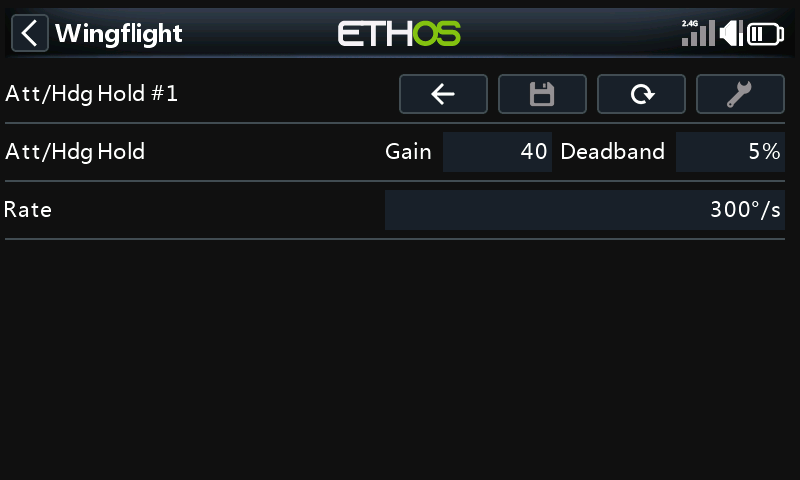
| Att Hold | Gain, deadband and rate | Attitude Hold |
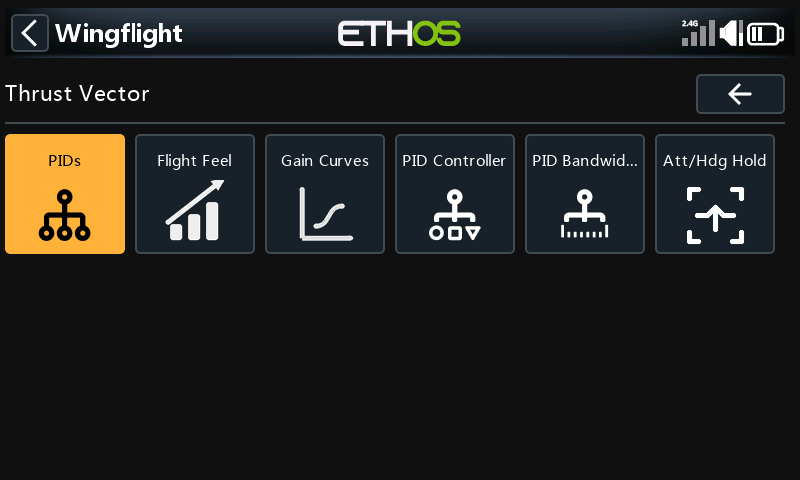
Thrust Vector
For models with thrust vectoring: the same tuning pages again, for the thrust vector profile, plus Att/Hdg Hold.
See Thrust Vector and Thrust Vector Attitude Hold.