Setup
Setup covers how the model is built and wired: the board and radio, the sensors, the mixer and servos, and power and motors. Each section links to the Configurator page that explains the settings.
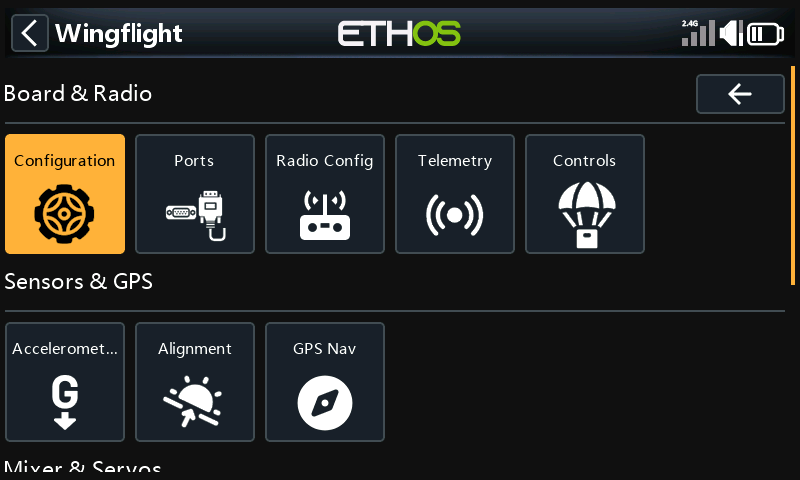
Board & Radio
Configuration
The craft name, PID loop speed, and the features the board runs: LED strip and the ready-to-arm wiggle. There is no GPS switch: GPS runs when the GPS source matches a port (see When GPS is active).
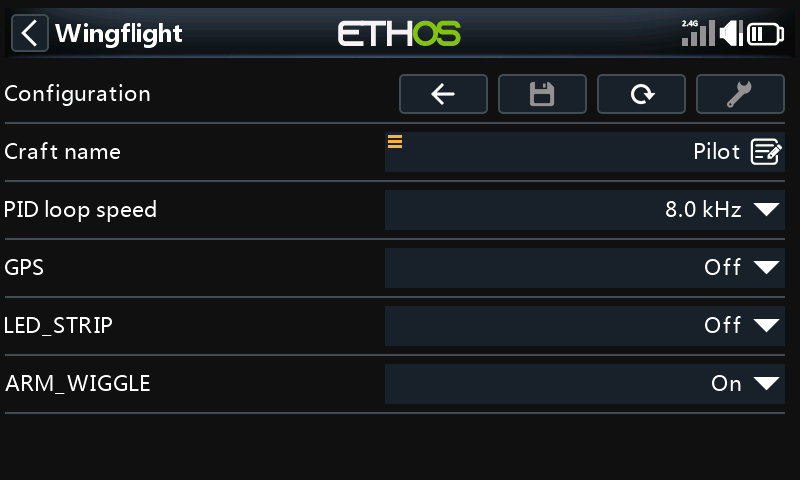
See Configuration and Ready-to-Arm Wiggle.
Ports
What each UART is used for, and its speed.
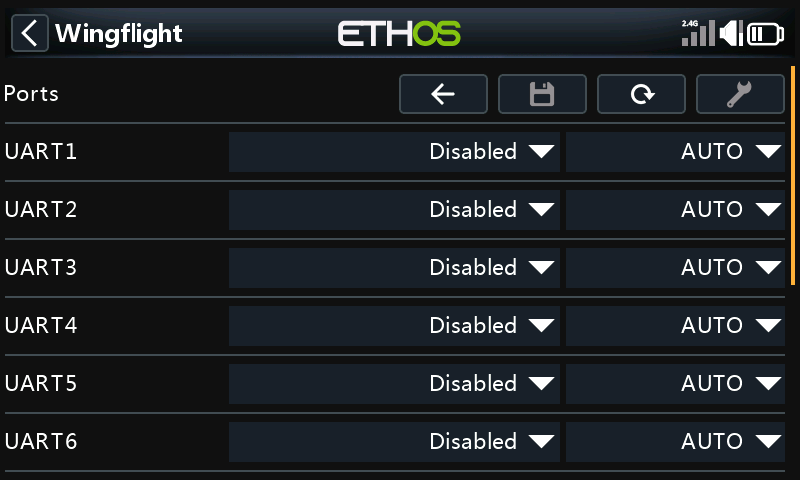
See Serial Ports.
Radio Config
Stick deflection and centre, the throttle range, and the deadbands.
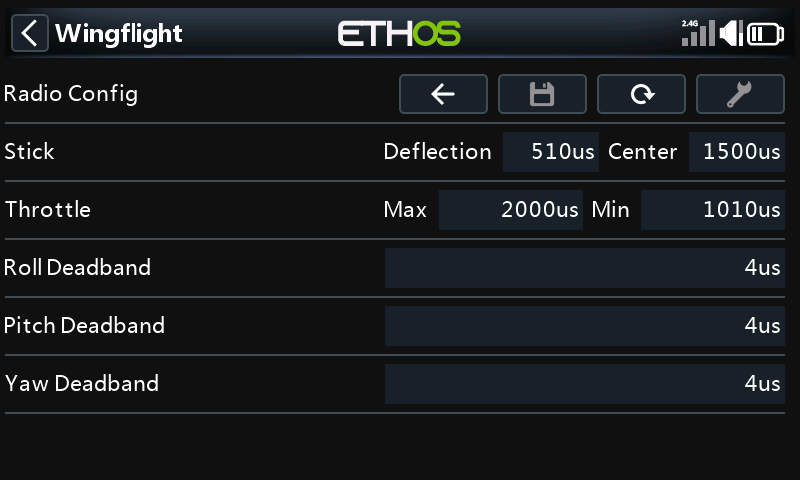
See Receiver.
Telemetry
The telemetry sensors the flight controller sends, grouped by kind. Open a group to turn sensors on or off. Tool selects the default sensors.
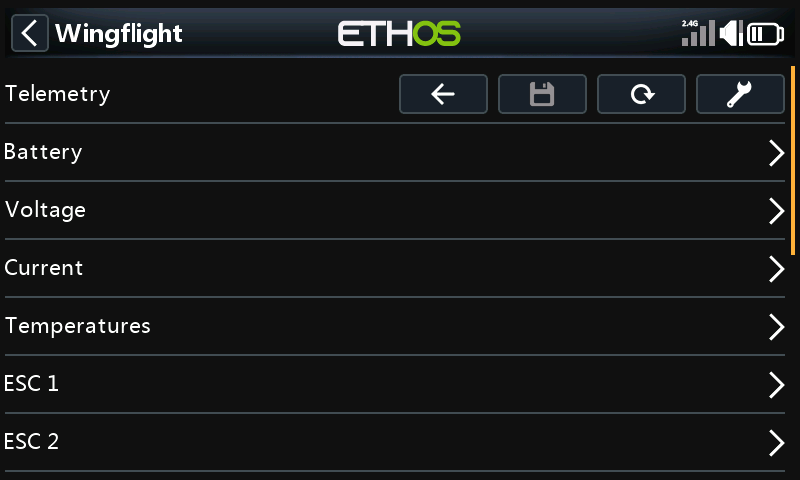
See Receiver: Telemetry Sensors and Telemetry.
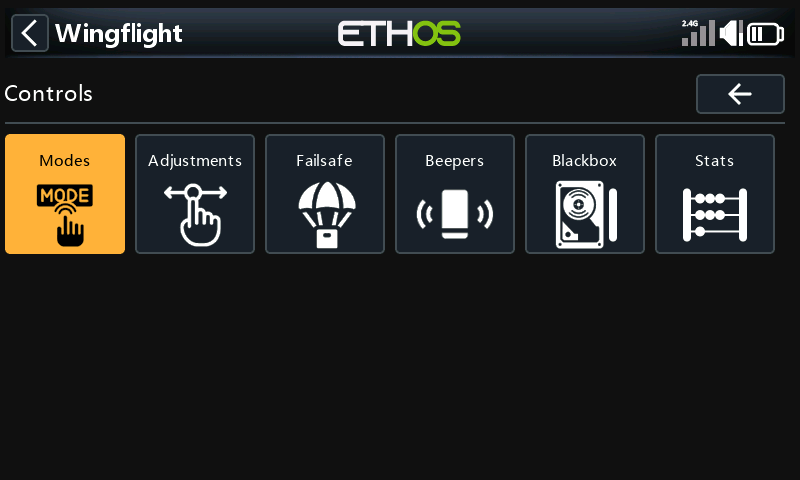
Controls
A menu of its own:
| Page | What it is for | More |
|---|---|---|
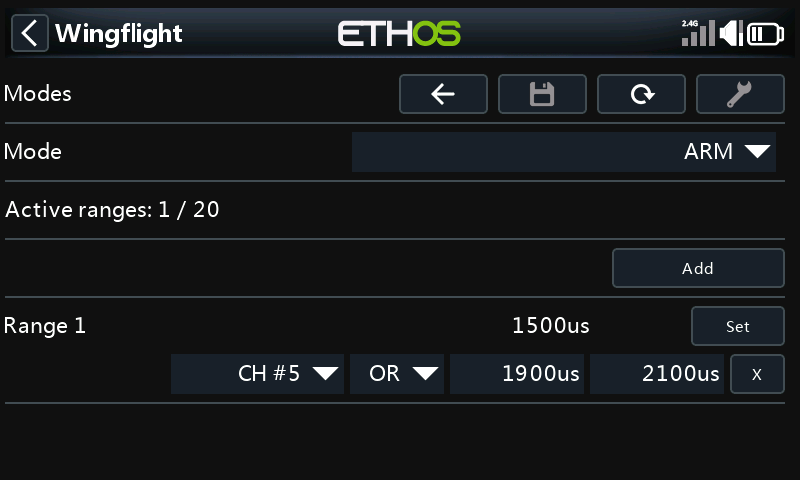
| Modes | Switch ranges for each mode. Pick a mode, then add or change its ranges. | Modes |
| Adjustments | In-flight adjustments from a switch or knob. | Adjustments |
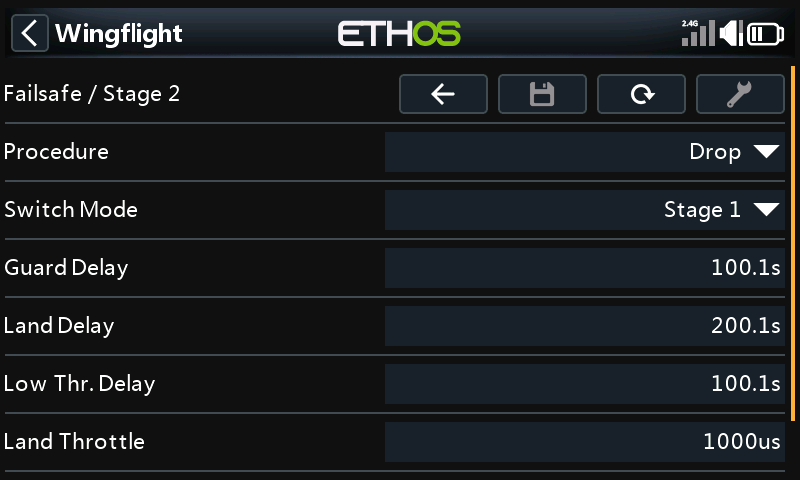
| Failsafe | Ch. Fallback: what each channel does when the signal is lost. Stage 2: the failsafe procedure and its delays. | Failsafe |
| Beepers | Which events sound the beeper, and the ESC beacon. | Beepers |
| Blackbox | The logging device, rate and fields, and the log memory's status. Tool on Status erases it. | Blackbox |
| Stats | Flight count, and last and total flight time. |
Sensors & GPS
Accelerometer
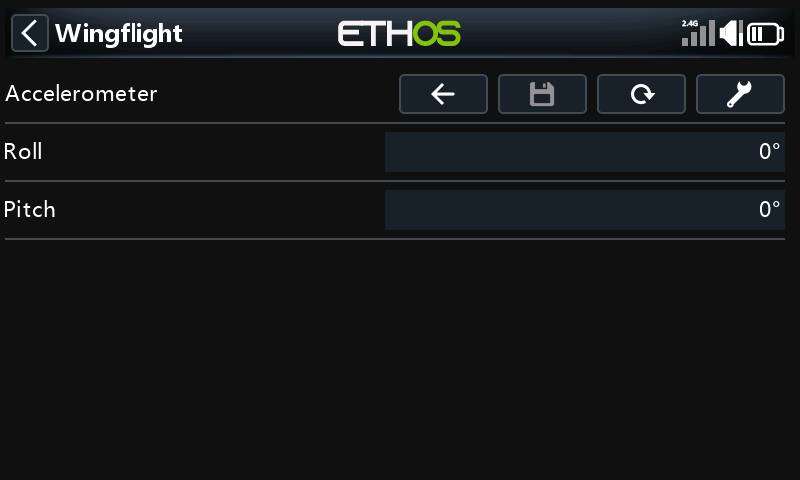
Accelerometer trim for roll and pitch. Tool calibrates the accelerometer: keep the model level and still while it does.
Alignment
How the board is mounted, with a live 3D view of the model that follows the board as you move it. Tool turns the view so the tail faces you.
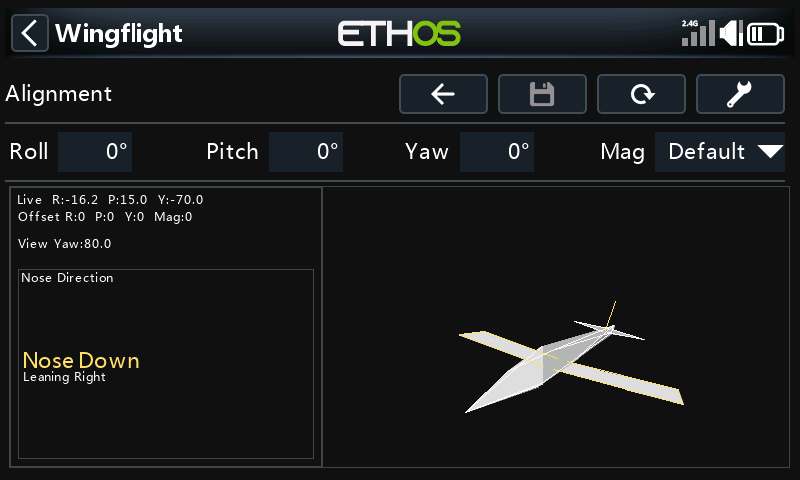
See Configuration: Board Alignment.
GPS Nav
Return-to-home and loiter settings: whether the model can arm without a GPS fix, RTH altitude, loiter radius and direction, minimum satellites, and the bank and pitch limits. The page scrolls.
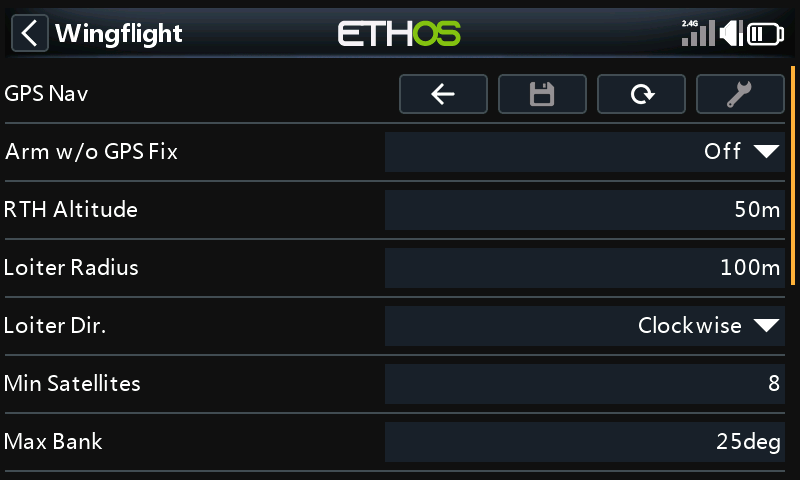
See GPS Navigation and GPS RTH and Loiter.
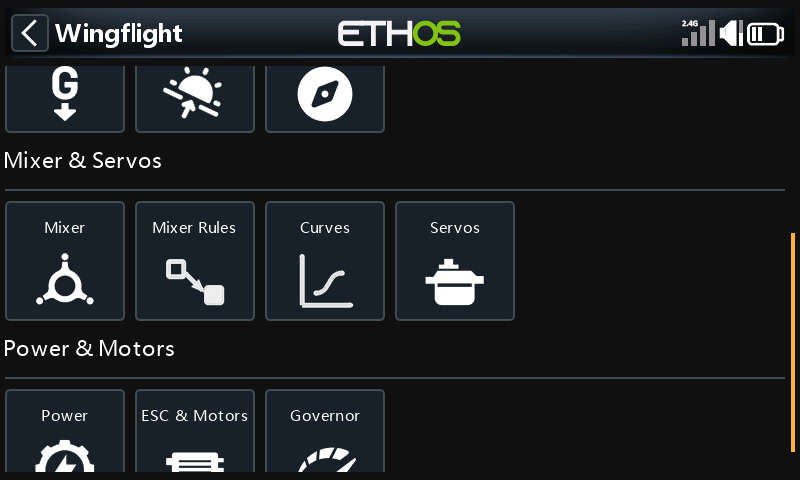
Mixer & Servos
Mixer
Throw and direction for roll, pitch and yaw.
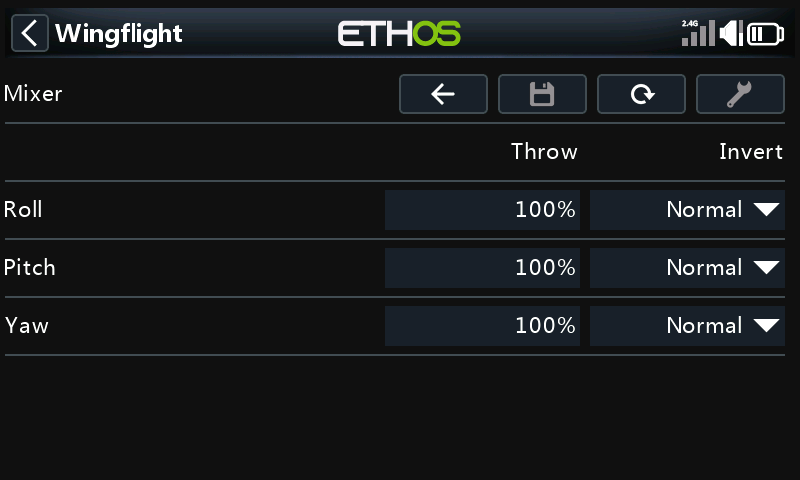
See Mixer.
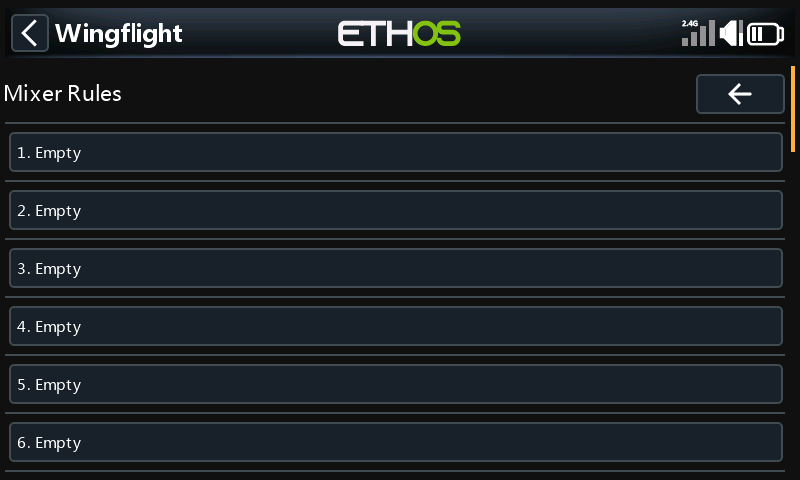
Mixer Rules
The mixer's rules, one row each. Select a rule to edit it.
Curves
Mixer, gain and servo curves.
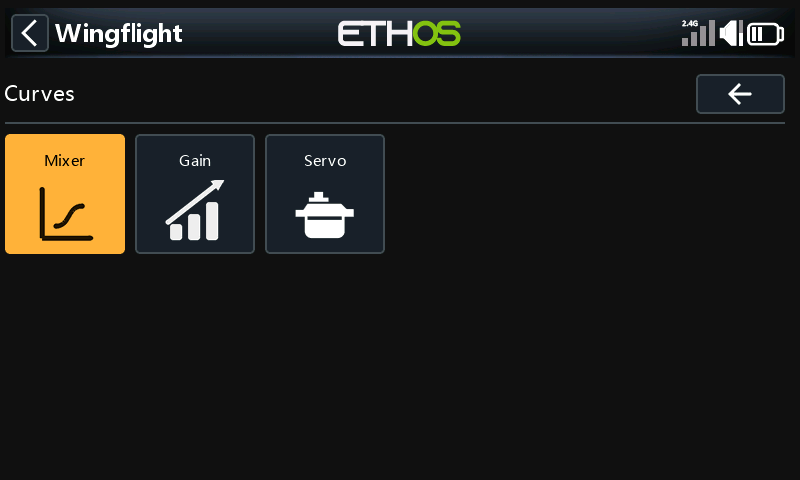
See Curves.
Servos
PWM Output lists the servos; select one to set its centre, limits and direction. BUS Output is for bus servos and is greyed out unless the model has them. Tool turns servo override on, so a servo moves to its centre as you change it.
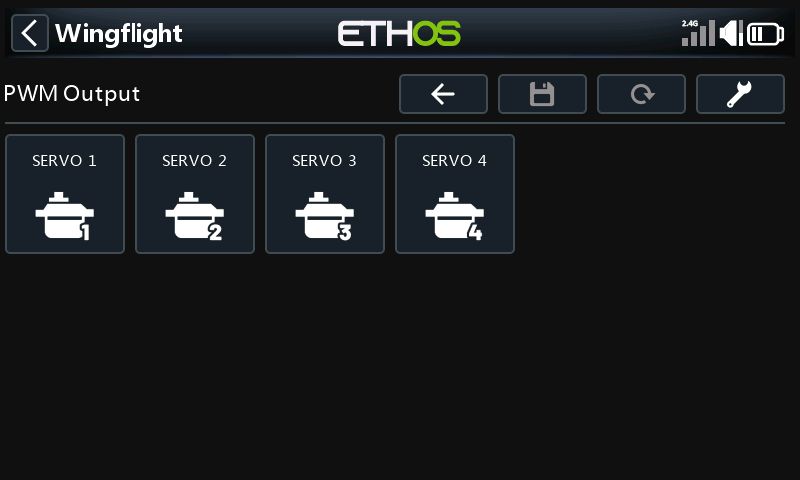
See Servos.
Power & Motors
Power
| Page | What it is for |
|---|---|
| Battery | Battery profiles: capacity and cell voltages. |
| Alerts | Flight time alarm and the BEC and receiver voltage alerts. |
| Sources | Where voltage and current are measured. |
| SmartFuel | How fuel (charge left) is worked out. |
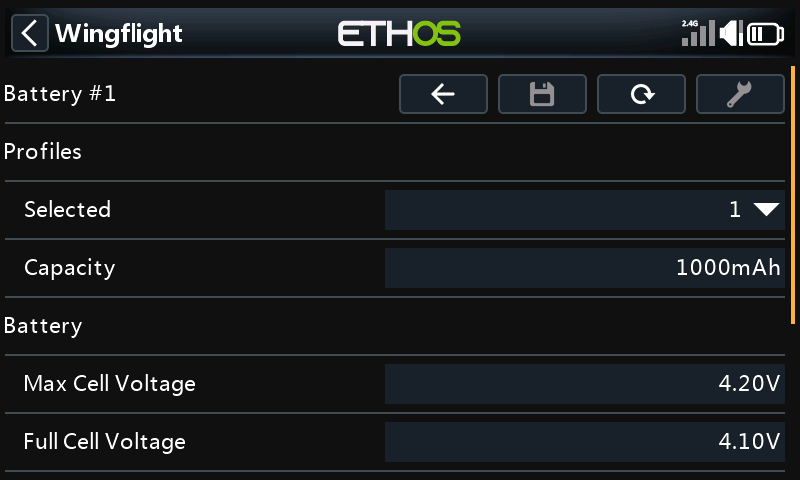
See Power.
ESC & Motors
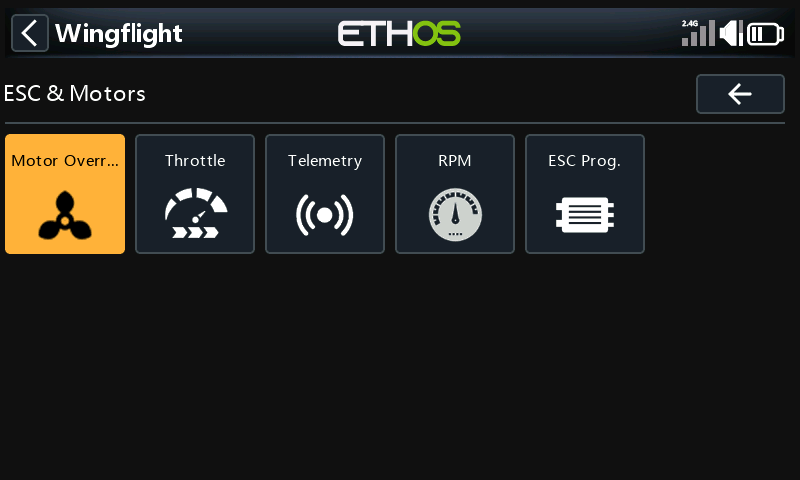
| Page | What it is for | More |
|---|---|---|
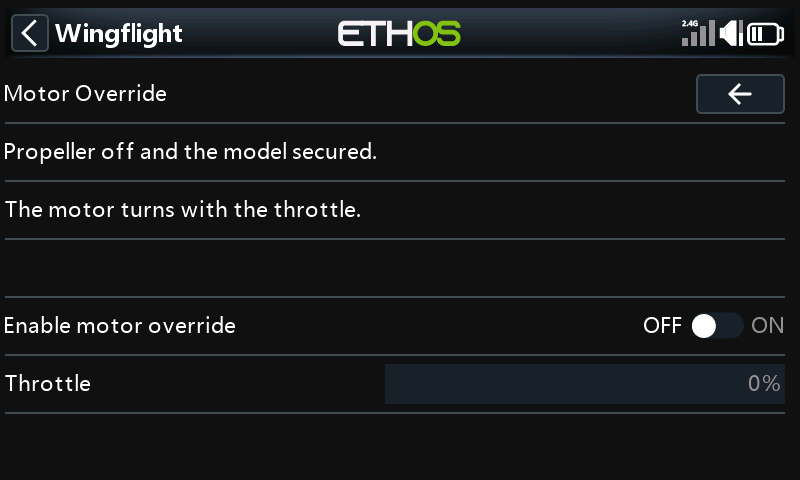
| Motor Override | Run the motor from the radio, for testing. Take the propeller off and secure the model first. | |
| Throttle | Throttle protocol, update rate and PWM endpoints. | Motors |
| Telemetry | ESC telemetry protocol and corrections. | Motors |
| RPM | Where RPM comes from, motor ratios and pole count. | Motors: RPM source |
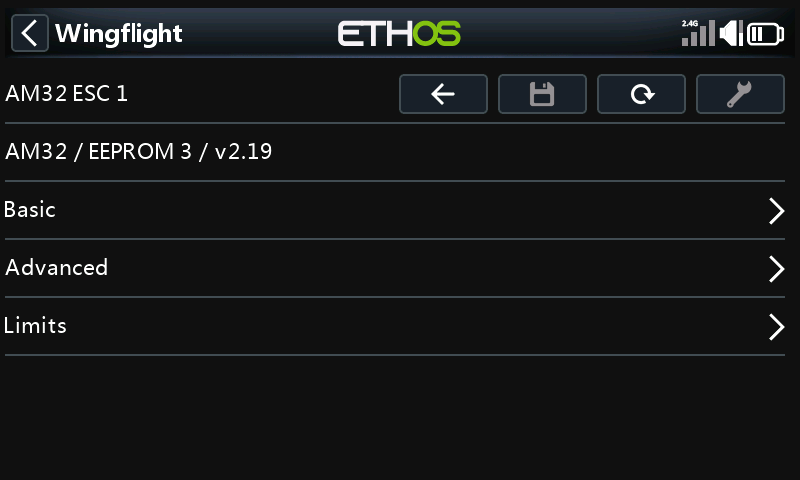
| ESC Prog. | Change your ESC's own settings from the radio, through the flight controller. Pick the ESC's make. | ESC Programming |
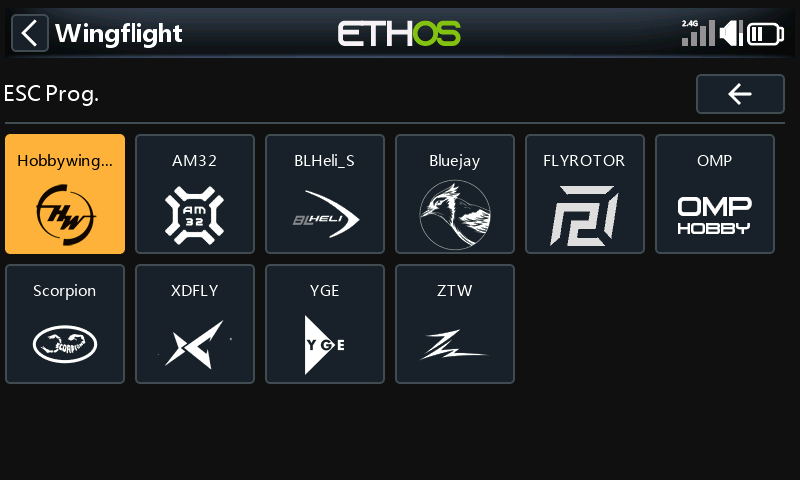
Each ESC page shows the ESC it found, then its settings in groups:
Governor
The throttle range governor: its mode, then RPM, response and idle settings.
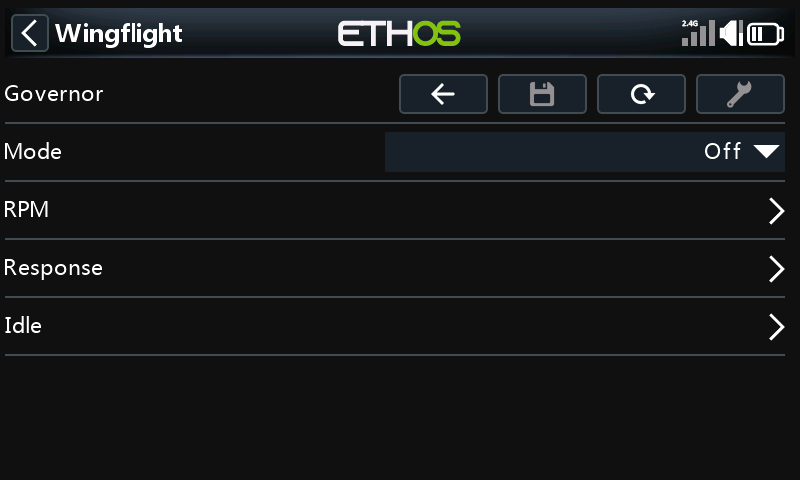
See Governor.