First Connection
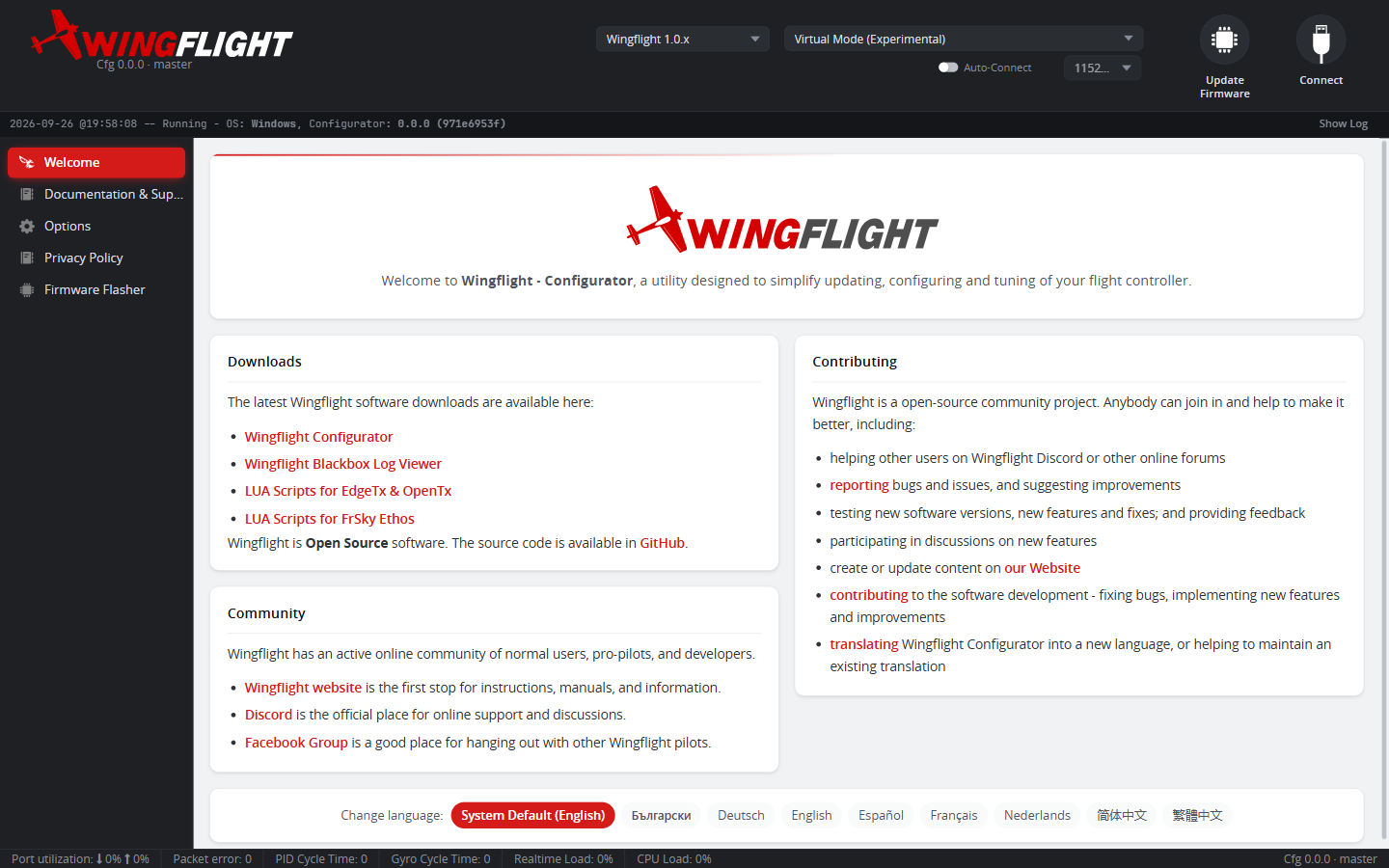
Once firmware is flashed, connect to the flight controller from the main Configurator window (not the Firmware Flasher tab).
Connecting
- Plug in the flight controller via USB (or connect over its configured serial link, e.g. Bluetooth).
- Select the correct port in the port picker at the top of the window.
- Click Connect.
If the firmware version isn't recognized
If the Configurator can't validate the firmware version or type it just connected to -- for example, very old/incompatible firmware, or a board that isn't running WingFlight firmware at all -- it shows a warning dialog and falls back to CLI mode, which works independent of the normal MSP configuration protocol. This lets you back up settings or investigate over the CLI even when the full Configurator UI can't be used yet.
What to check first
Once connected, the Status and Sensors tabs are the first useful stops -- confirm the gyro/accelerometer are live and the board orientation matches your installation before moving on to mixer and servo setup.